


✨New Release✨Smart Door Lock 3.0
✨New Release✨Smart Door Lock 3.0
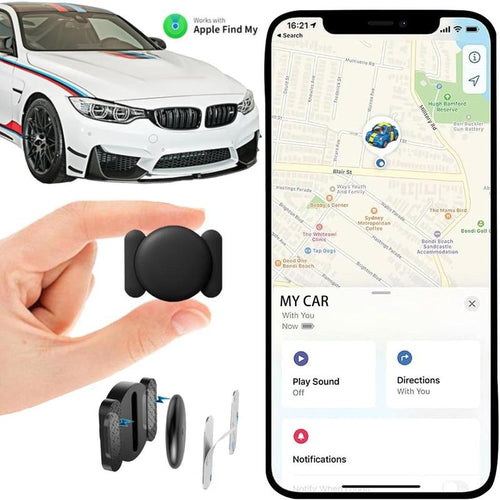
✨Flash Sale💥Anti-Theft Mini GPS for Cars, Kids & Pets
![🔥Pocket WiFi [FREE INTERNET IN YOUR POCKET]](http://ahlwo.com/cdn/shop/files/a4a64c90b340bce906a6abaf795c4f1102cecc4e.jpg?v=1772092736&width=500)
🔥Pocket WiFi [FREE INTERNET IN YOUR POCKET]

Limited 40% off🔥Wireless Translation Earbuds -⚡
Couldn't load pickup availability

✨New Release✨Smart Door Lock 3.0
3-IN-1 SMART DOOR KNOB

Smart Door Knob built with 3 unlock way, including fingerprint unlock, App control, physical keys unlock to meet your diversity needs. Great option for bedrooms,room rentals (Airbnb locations), housekeeping, offices, dormitories, storage rooms, laundry rooms, and general upgrades.
0.15s BIOMETRIC FINGERPRINT ACCESS

Finger Print Door Knobs has an advanced 360° fingerprint sensor that takes your door security to the next level, Extremely low false rejection rate, that can be continuously self-improved over time through its built-in intelligent learning capabilities.
SMART APP CONTROL

The smart lock offers a free app - TT LOCK APP that allows you could add fingerprints, check unlock records, battery capacity,set auto lock, passage mode and privacy mode to provide a more convenient and secure using.Stores your fingerprint and in-app data locally, instead of uploading cloud to keep your personal information safe and private.es.
EASY INSTALLATION AND DURABLE DESIGN

All it takes a screwdriver and can be installed in less than 15 minutes.Premium metallic finish and sturdy Zinc Alloy construction with enhanced security mechanism adds enhanced privacy to your space and protection of family.Sweat & weatherproof design ensures durability under wet hand usage and exposure to the outdoors.
SECURITY DESIGN DOOR LOCKS

The biometric door knob with lock blends style and functionality. It can recognize your thumbprint within 0.1 seconds, store 100 fingerprints, and 5s Auto locking feature to ensure your home is safe. Fingerprints are stored locally and not uploaded to the cloud to ensure your family's privacy.
WHY US?
- We work directly with manufacturers all over the world to ensure the best quality of our products. We have a Quality Control department which helps us to keep our promise!
- Price is always competitive.
- Awesome Customer Service
- Amazing products along with High Quality
- Read reviews from our lovely customers
SHIPPING & DELIVERY
All orders are carefully packaged, prepared and shipped out as fast as possible. We offer express worldwide shipping. For more exact shipping times please consult our Shipping Policy, because certain locations have much faster shipping than the typical delivery time frame. Once your order is shipped you will receive a tracking number so you know where it is all the time!

- Tip: Buying 2 products or more at the same time will save you quite a lot on shipping fees.


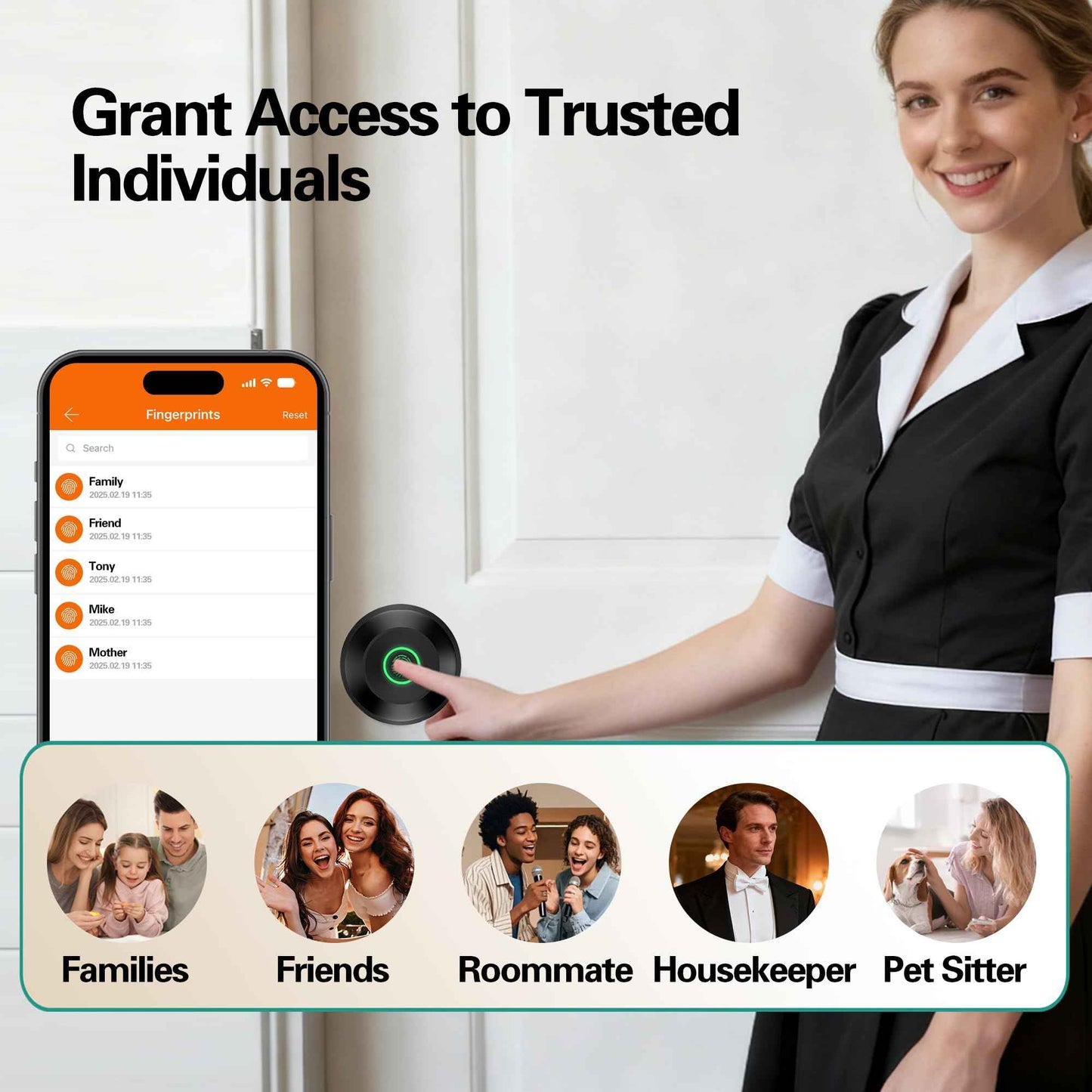
Smart Door Lock 3.0
Smart, we believe that sustainability is a way of life. From implementing energy-efficient processes to manufacturing low-carbon products, we aim to reduce our environmental impact. We make sustainability accessible to everyone by providing simple, low-cost solutions that help save energy and reduce carbon footprint.
| Ahlwo | Others | |
|---|---|---|
| Bluetooth Control | ||
| Remote Control | ||
| Metal Alloy | ||
| Store 100+ Fingerprint | ||
| One-Step Install | ||
| Low Battery Alarm | ||
| Do Not Disturb Mode | ||
| Auto Lock |
F&Qs
Can I use the remote control function to unlock the door?
Can I use the remote control function to unlock the door?
The remote unlock can only be done by connecting the gateway, customers need to purchase the gateway separately.
What can I do when the battery of my Smart Lock dies?
What can I do when the battery of my Smart Lock dies?
Before installation, please charge the lock for at least 3 hours. If the battery dies, you can use an emergency power supply to charge the smart door lock (USB+Type C port) or use the backup key to open the door.
How to pair the fingerprint door knob with APP?
How to pair the fingerprint door knob with APP?
Download the app for the smart door knob. Then enable the Bluetooth and Location permission. You need to touch the fingerprint recognized area to activate the smart door lock.
How do I know if the battery runs low?
How do I know if the battery runs low?
The smart lock will remind you every time you activate it.
Featured Comments
-

I love this product!
Installation wasn't hard as I have prior knowledge about installing door locks. It's now June 13, 2025 and I haven't charged it from February which is awesome👍👏😊!! The app still shows 100% battery 🔋life not sure why but heck it works so I have no issues. I love it and recommend it to big time. I am planning on buying more too as it's very affordable and it's not bulky. I prefer the black sleek look as it accentuates my white door
-

Amazing Door Lock – Perfect for My Home Office!
I recently installed the Fingerprint Door Lock, Smart Fingerprint Door Knob in my home office, and it has been a total game-changer! With a curious 2-year-old running around, I needed a reliable way to keep my office secure, and this lock exceeded my expectations. The installation was incredibly easy, even for someone who isn’t particularly handy. The instructions were clear, and I had it set up in no time. The app is very intuitive and helpful, allowing me to add fingerprints, monitor access, and even use my phone to unlock the door if needed. The fingerprint scanner works flawlessly—it’s quick, accurate, and eliminates the hassle of keeping track of keys. Plus, the matte black finish gives it a sleek, modern look that fits perfectly with my office décor. Knowing my workspace is secure and my little one can’t accidentally wander in gives me so much peace of mind. This is a must-have for anyone looking for a high-tech, user-friendly door lock. Highly recommend!
-

amazing. Door handle.
I loved my door handle. I don’t have to fumble with keys to get in my room. I’ve had it for several months and have not had to charge it and have not had any issues. Only thing I wish that I would be able to unlock the door from anywhere, but other than that, I love it.


